Hello, this is FAQ
Setting colors
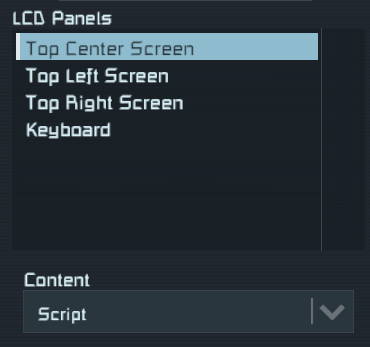
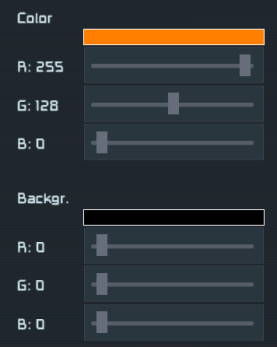
You can customize look & feel of ExcavOS using game default foreground and background color customization for any surface. Simply select screen you wish to customize and then setup the colors.
| Screen selection (if block has multiple screens) | Foreground and backgroud color selection |
|---|---|
 |
 |
Can you make it right click drill?
Sadly no.
Can you disable drills when above warning threshold?
Sadly no. You are always able to left/right click use drills and script can’t change that.